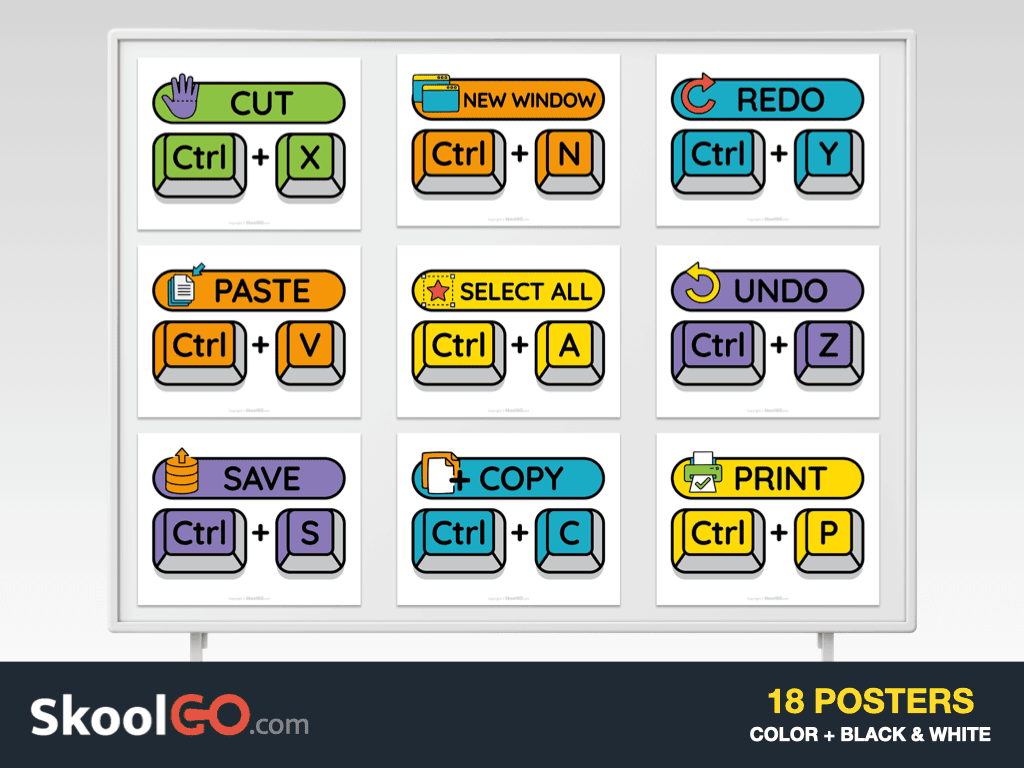
Save time while teaching computer skills with the Keyboard Shortcuts Classroom Poster Set. This free printable resource helps students remember essential keyboard shortcuts through bright, easy-to-read classroom posters. Moreover, each poster highlights one shortcut, making daily computer use simple and engaging for young learners.
Designed for classrooms, computer labs, and homeschool spaces, this poster set presents every shortcut with a bold keyboard illustration and a clear visual layout. Furthermore, the colorful version creates an eye-catching display, while the black-and-white version offers an ink-friendly alternative for printing.
What’s Inside the Keyboard Shortcuts Classroom Poster Set
This free printable resource includes everything needed to display the most common computer keyboard shortcuts.
- 9 colorful classroom posters
- 9 matching black-and-white posters
- Landscape Letter-size pages
- Printable PDF format
- Essential shortcuts including Copy, Paste, Cut, Undo, Redo, Save, Print, Select All, and New
Colored Keyboard Shortcuts Classroom Poster Set preview:
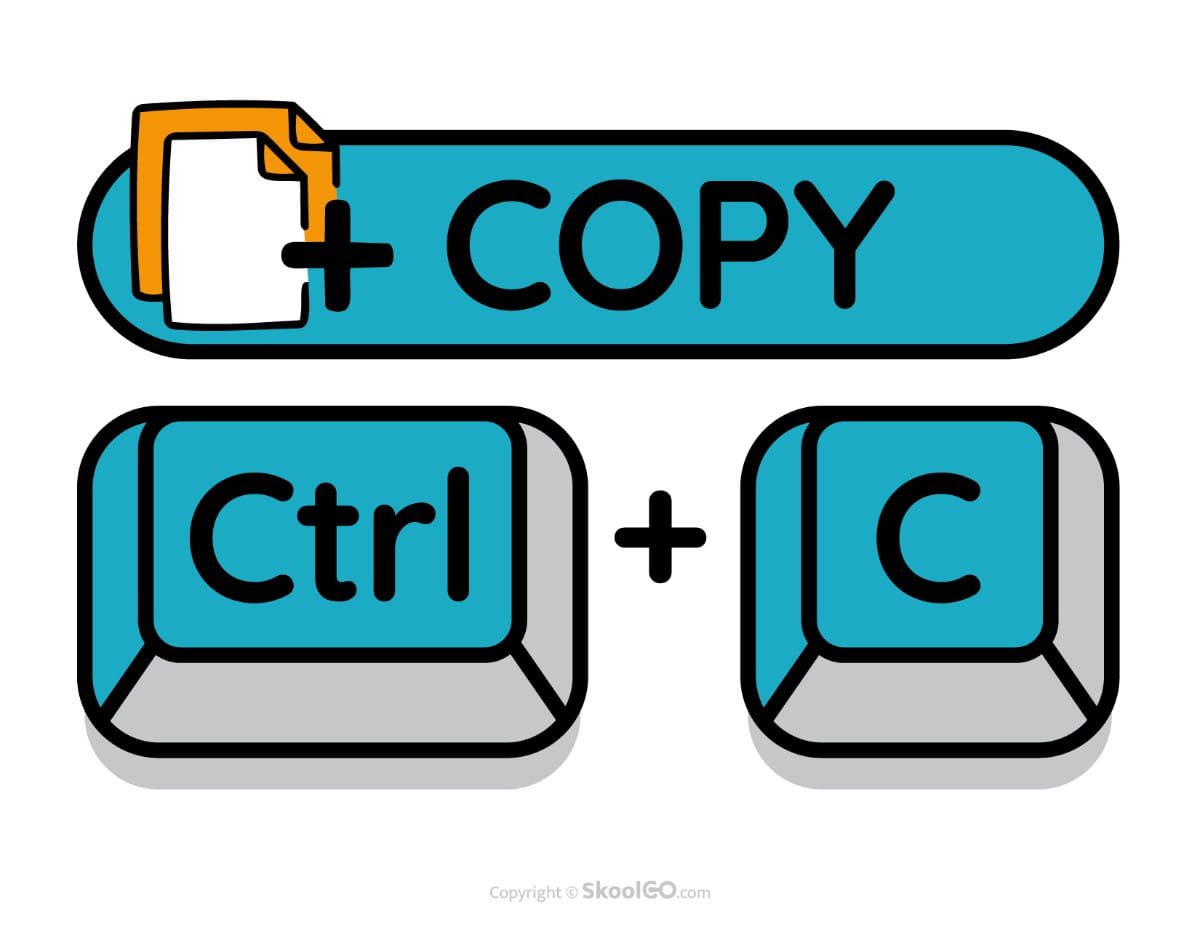
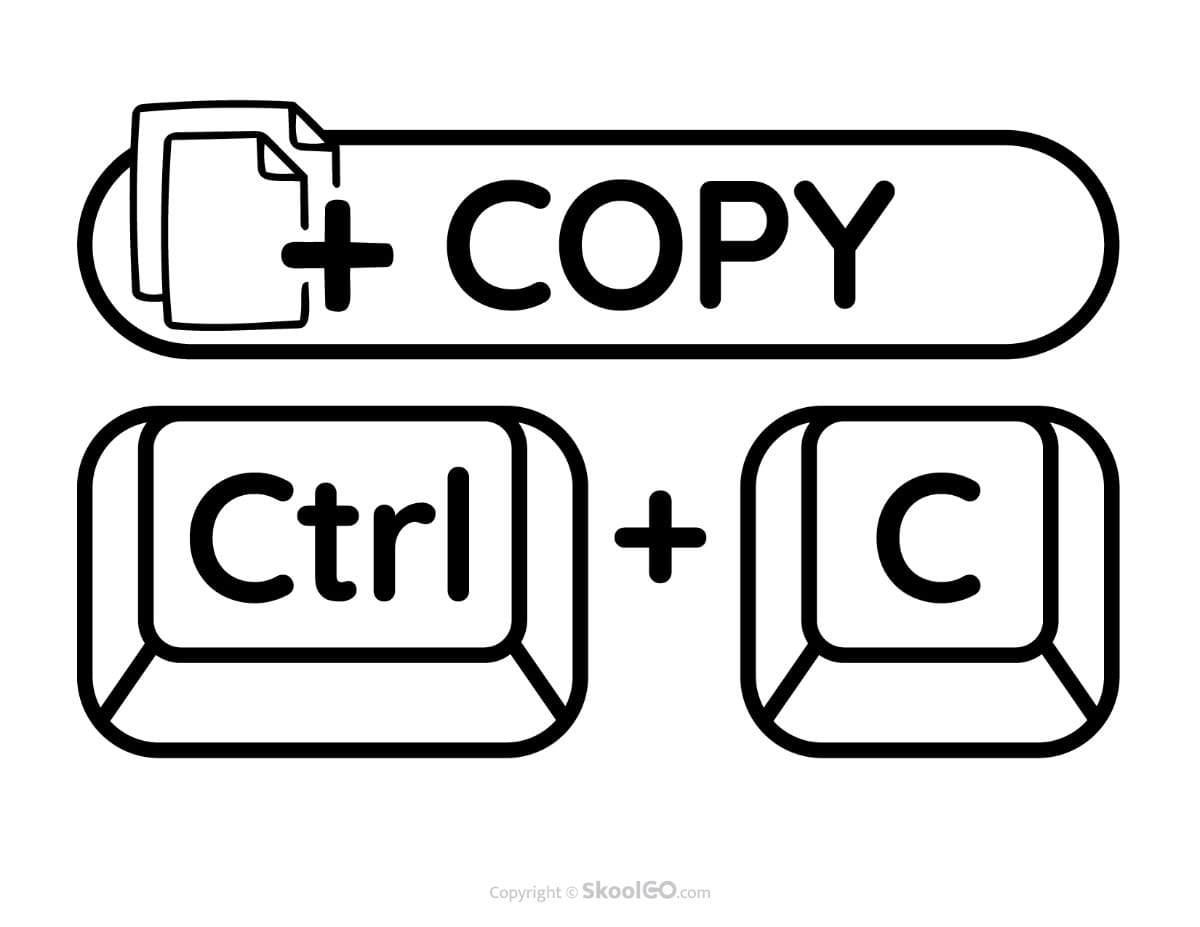
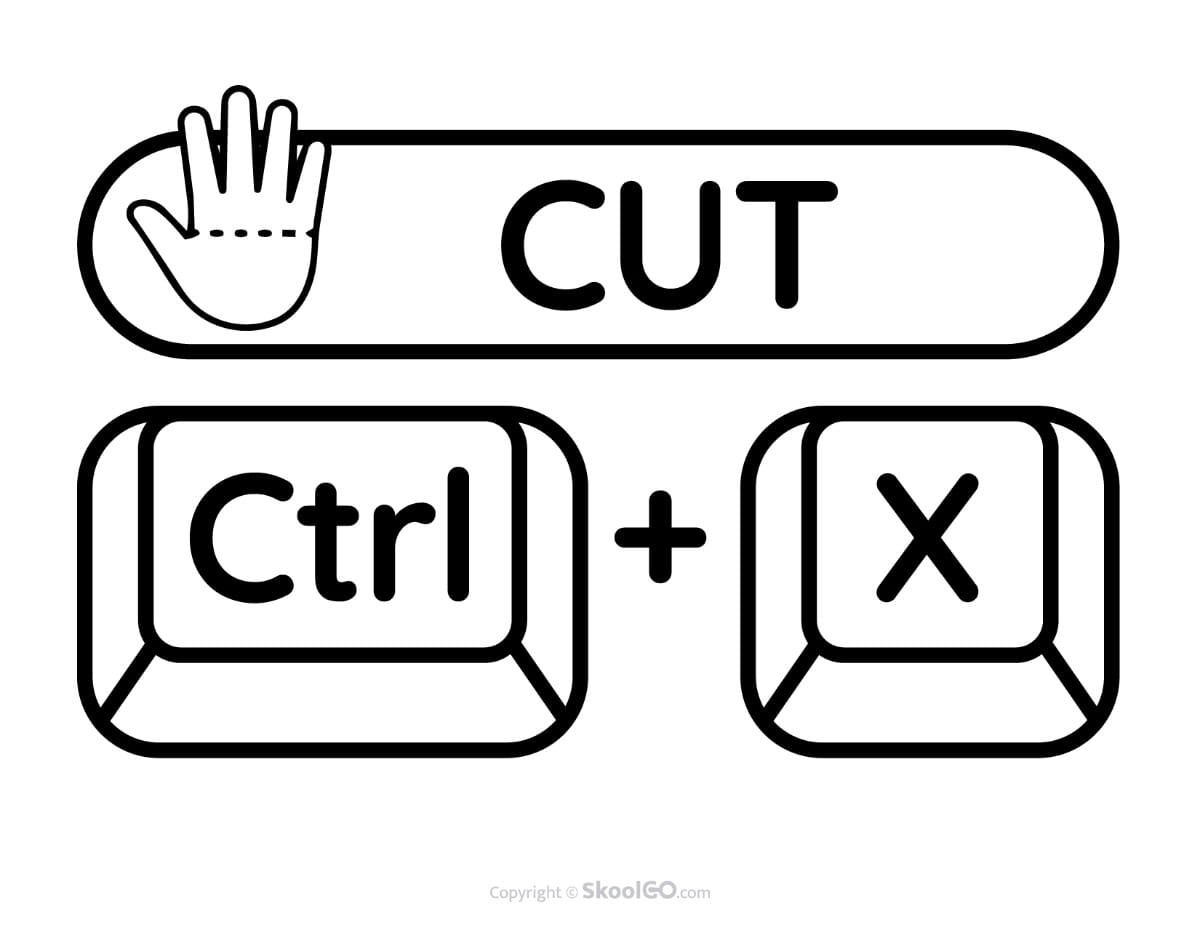
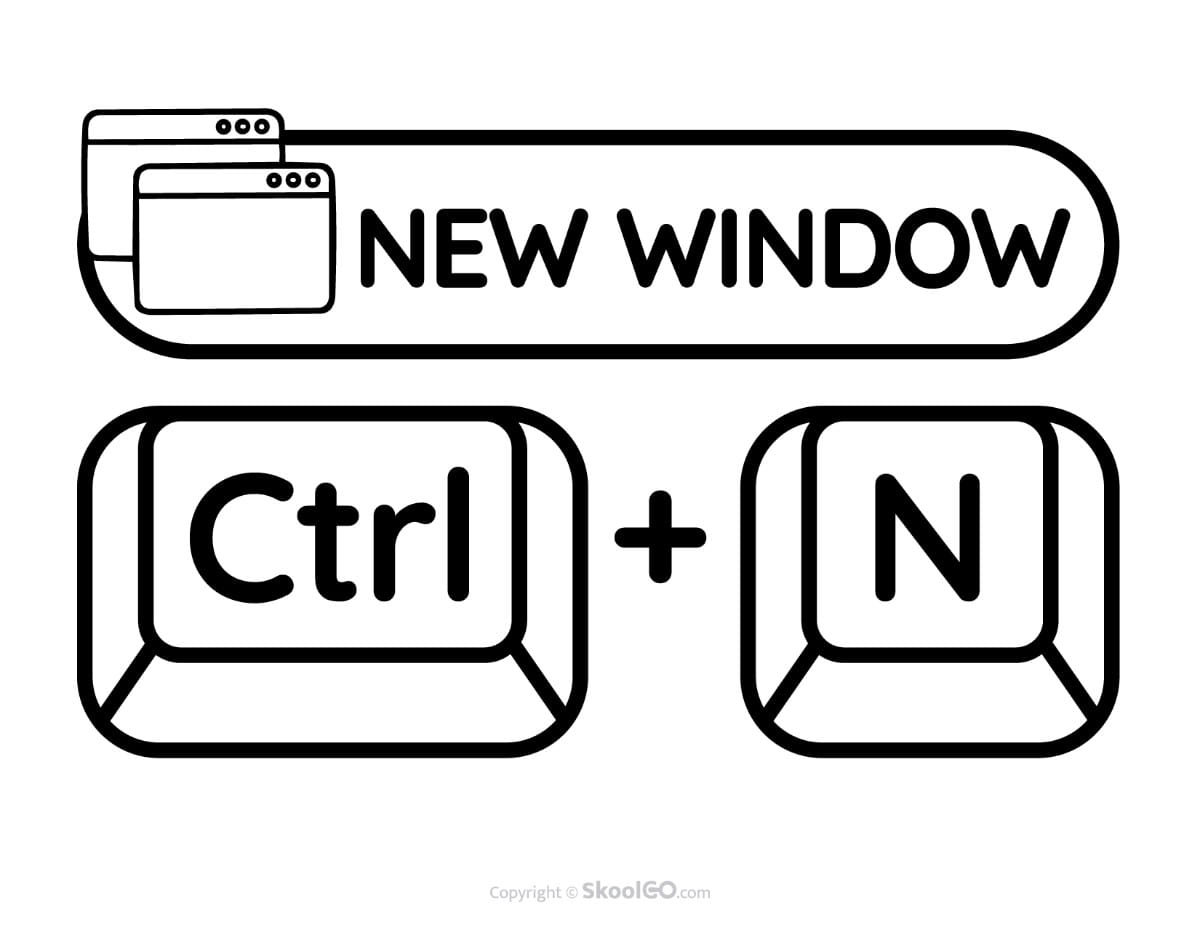
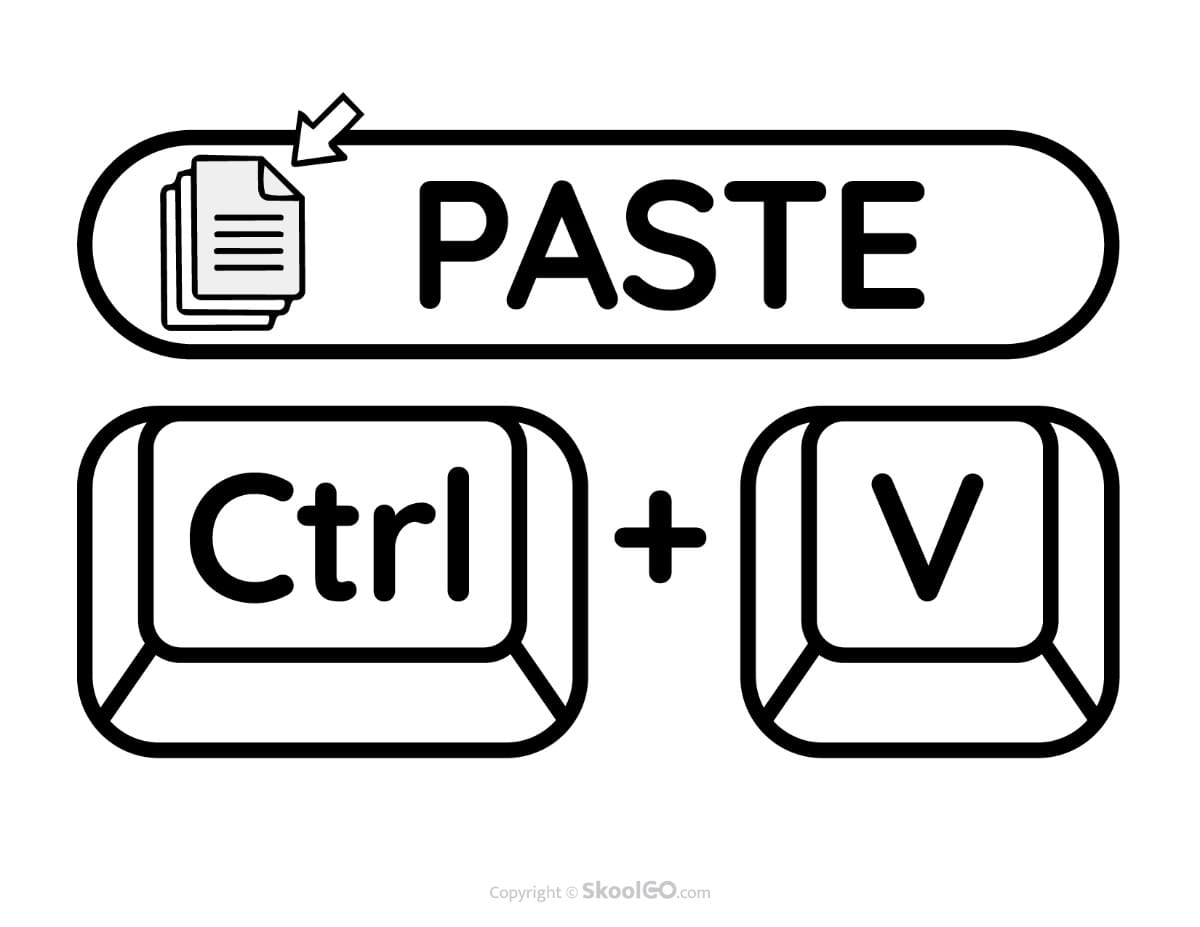
Black & White Keyboard Shortcuts Classroom Poster Set preview:
Bright Posters That Support Digital Learning
Each poster uses large lettering, recognizable keyboard keys, and clean spacing to improve visibility from anywhere in the classroom. In addition, consistent colors and layouts help students quickly recognize each shortcut during computer activities.
The simple design reduces distractions and encourages independent learning. Consequently, students can build confidence while practicing essential computer skills throughout the school year.
Explore the Pages Inside
The poster set includes one shortcut per page, making each command easy to identify and remember.
- Copy (Ctrl + C) – Quickly copy selected text or objects.
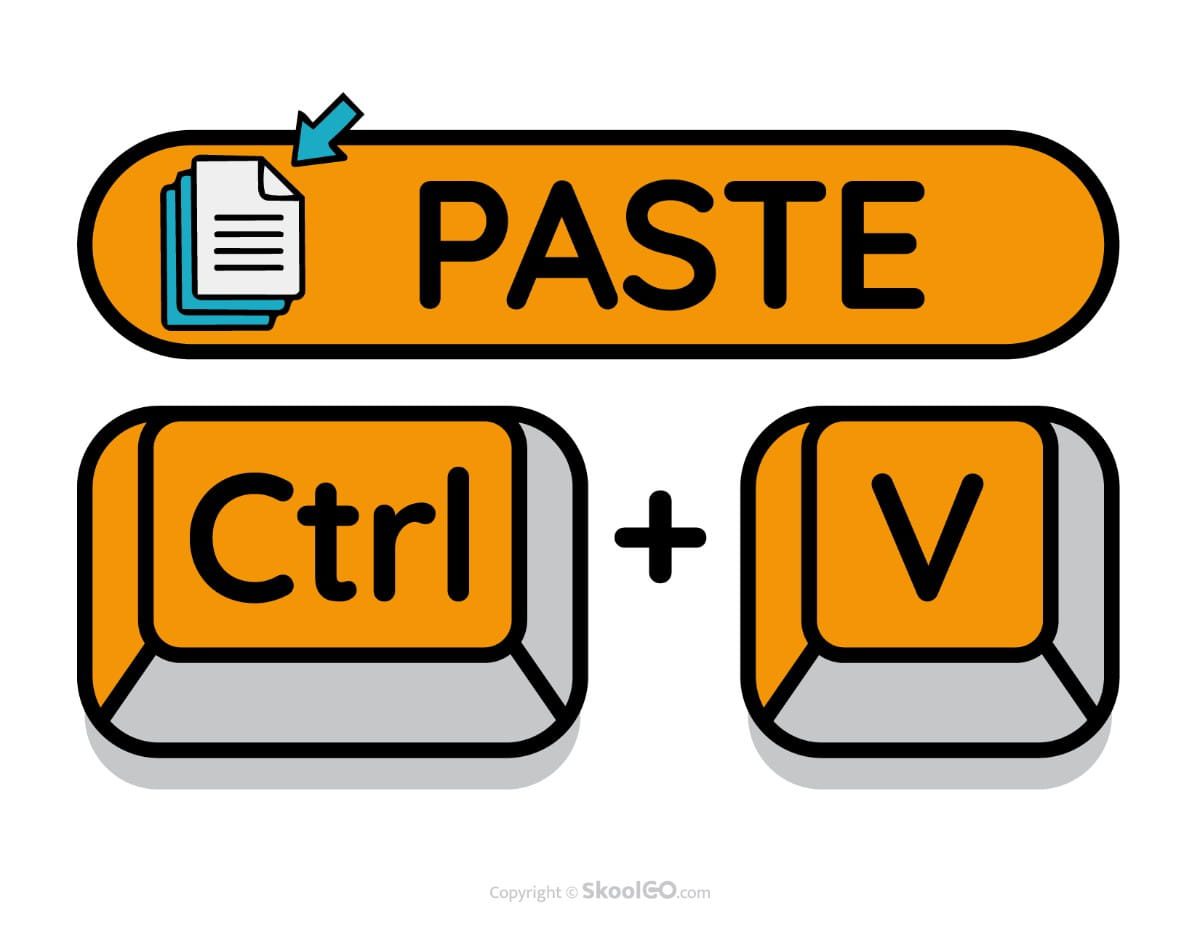
- Paste (Ctrl + V) – Insert copied content into a new location.
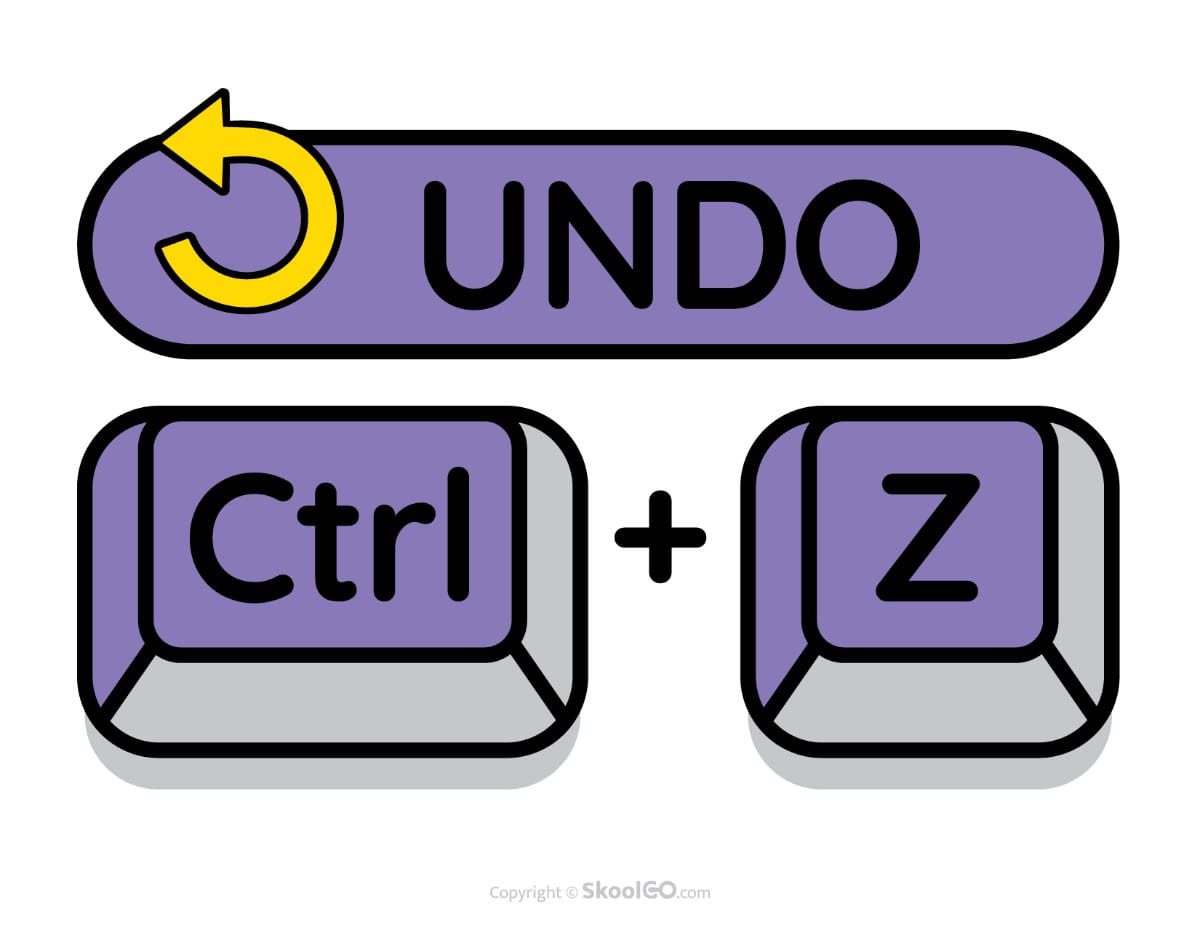
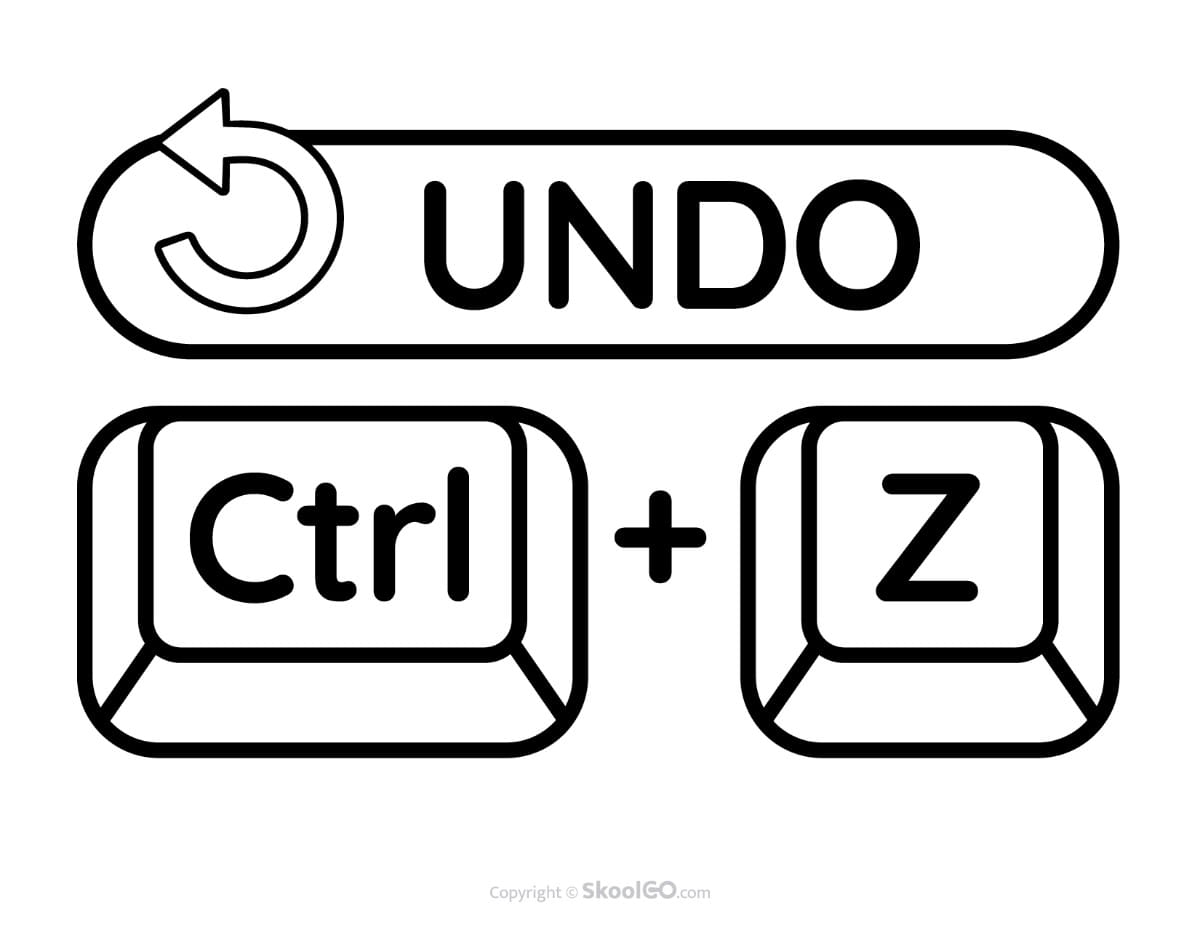
- Undo (Ctrl + Z) – Reverse the most recent action.
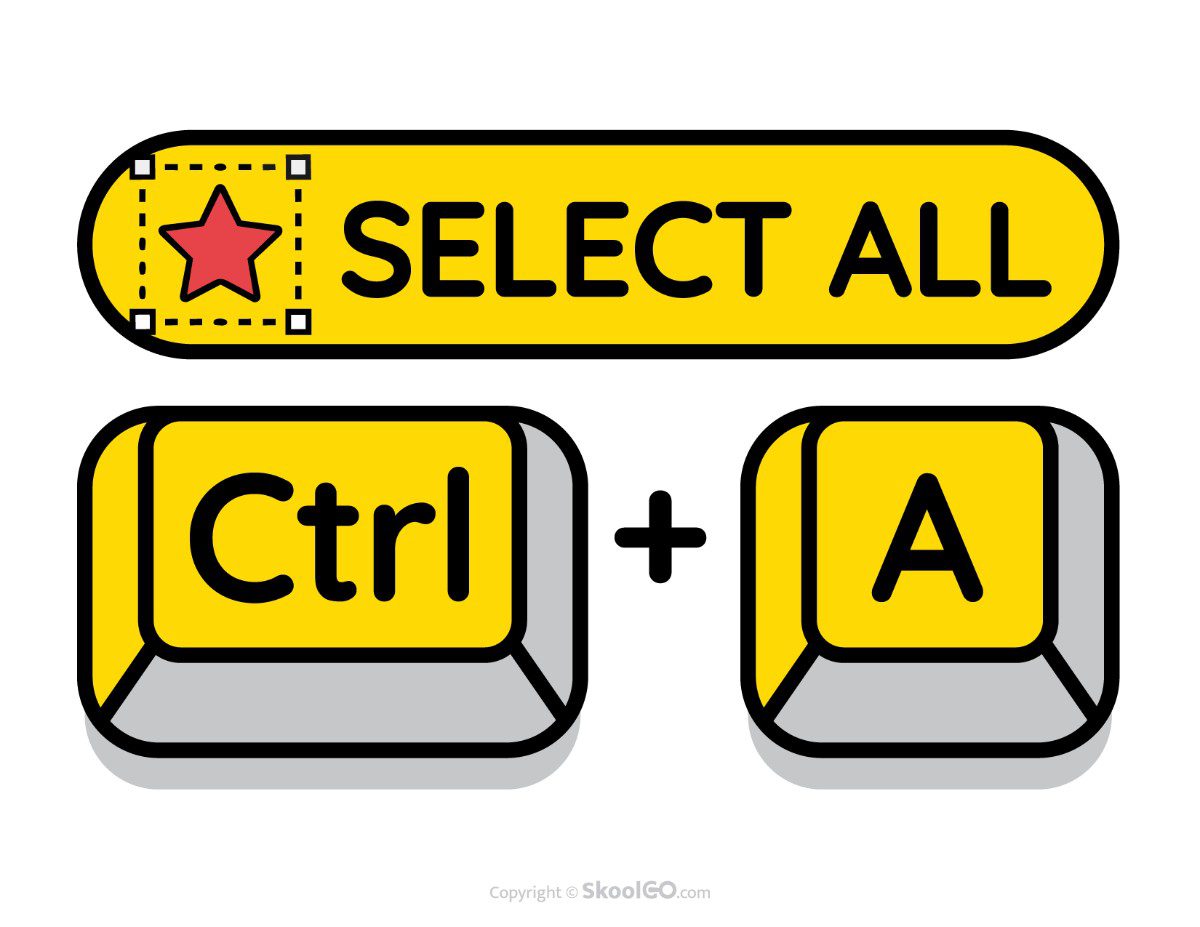
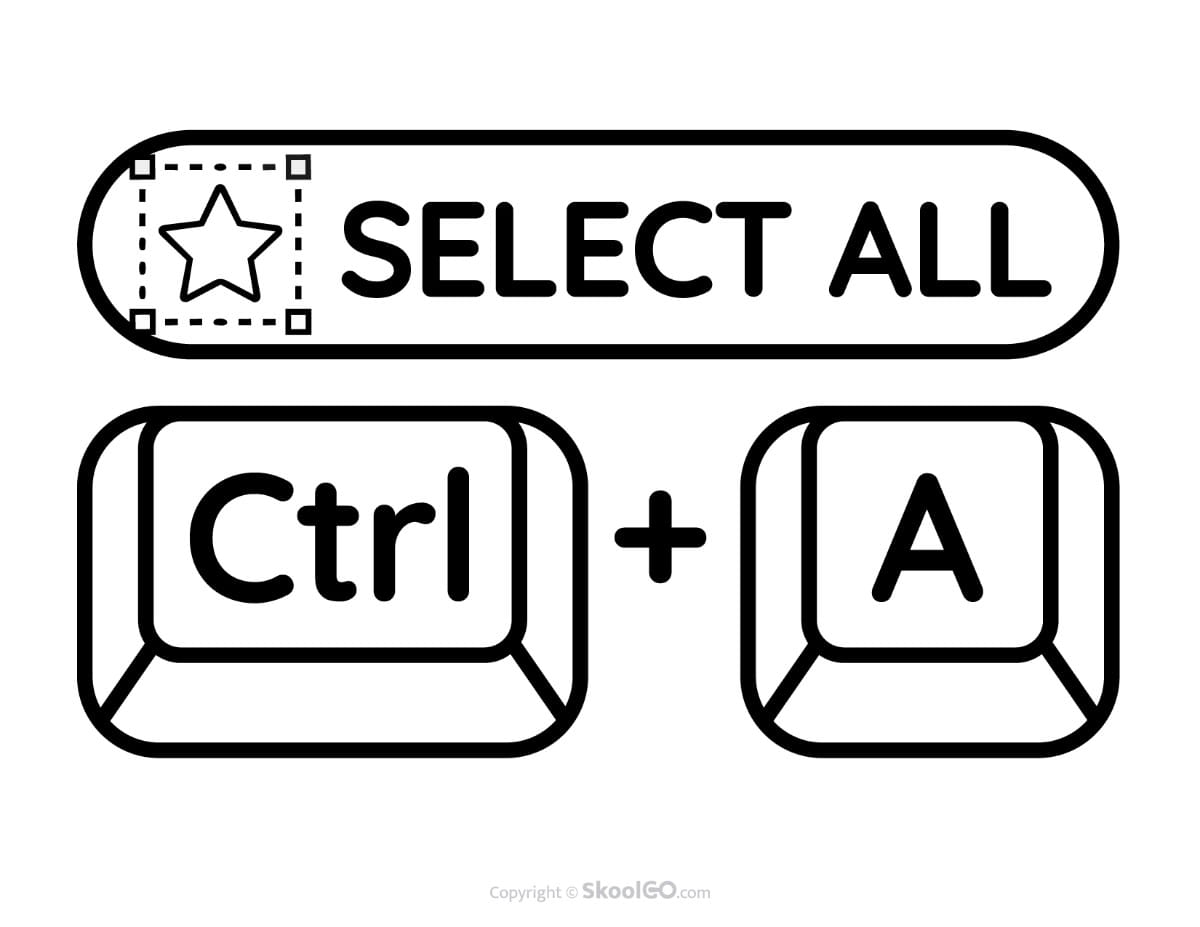
- Select All (Ctrl + A) – Select everything on the current page or document.
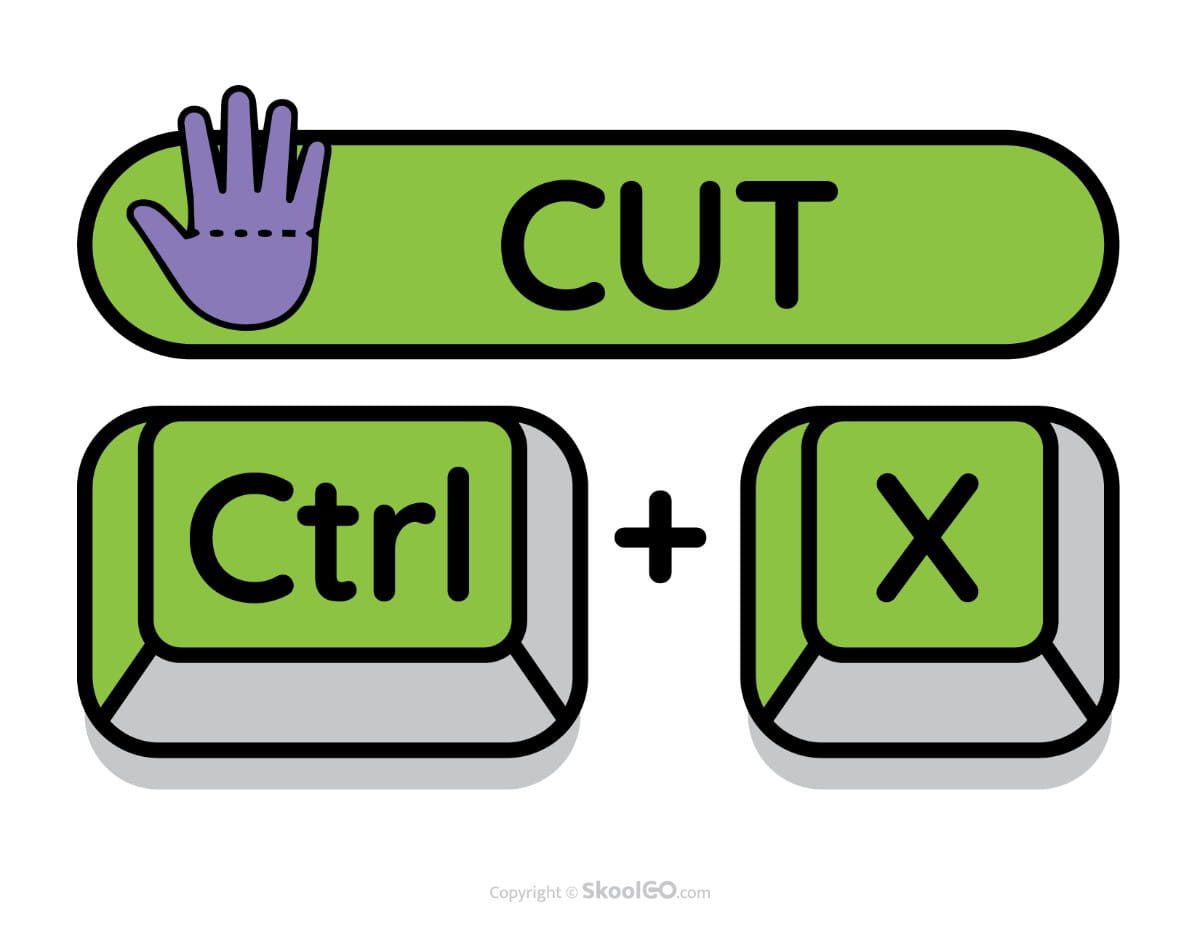
- Cut (Ctrl + X) – Move selected content to the clipboard.
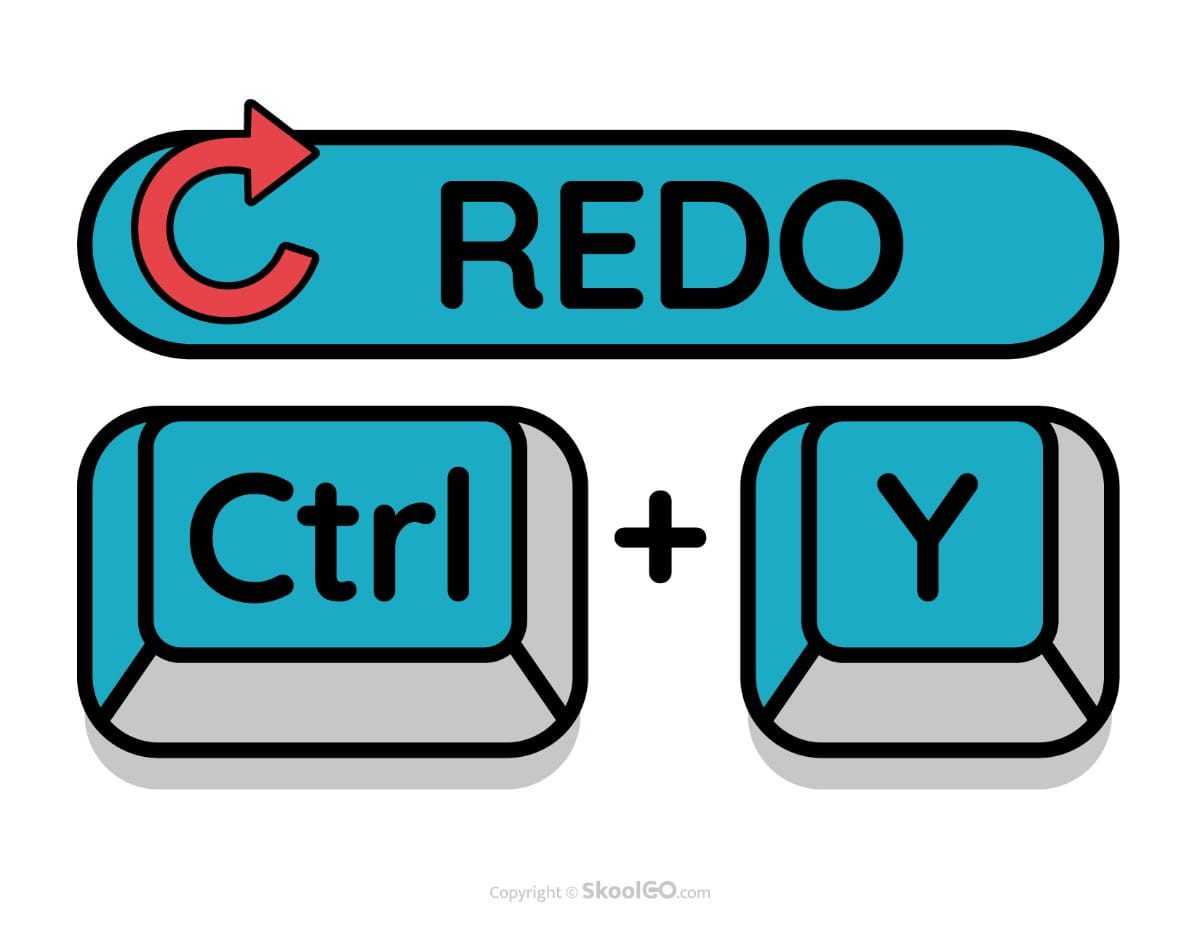
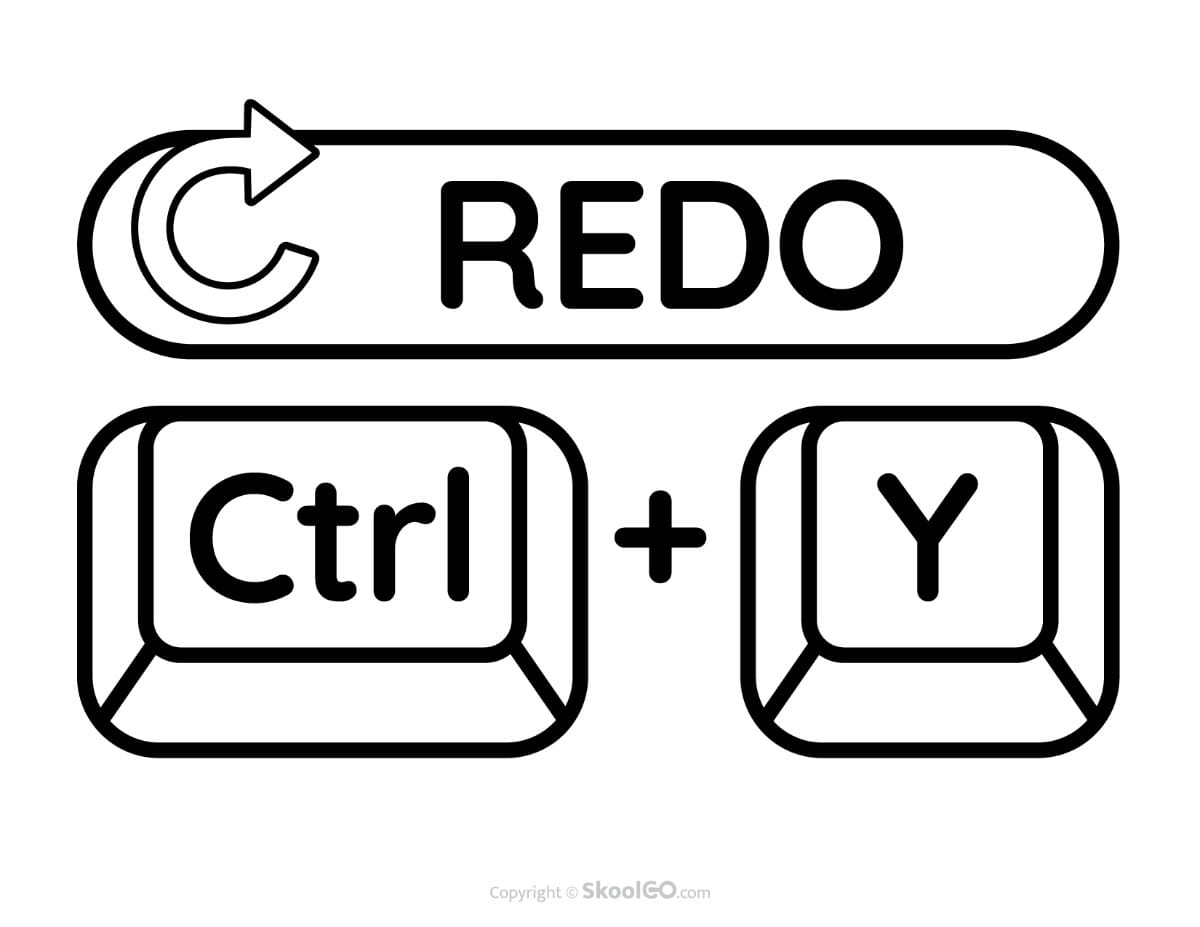
- Redo (Ctrl + Y) – Restore the action that was undone.
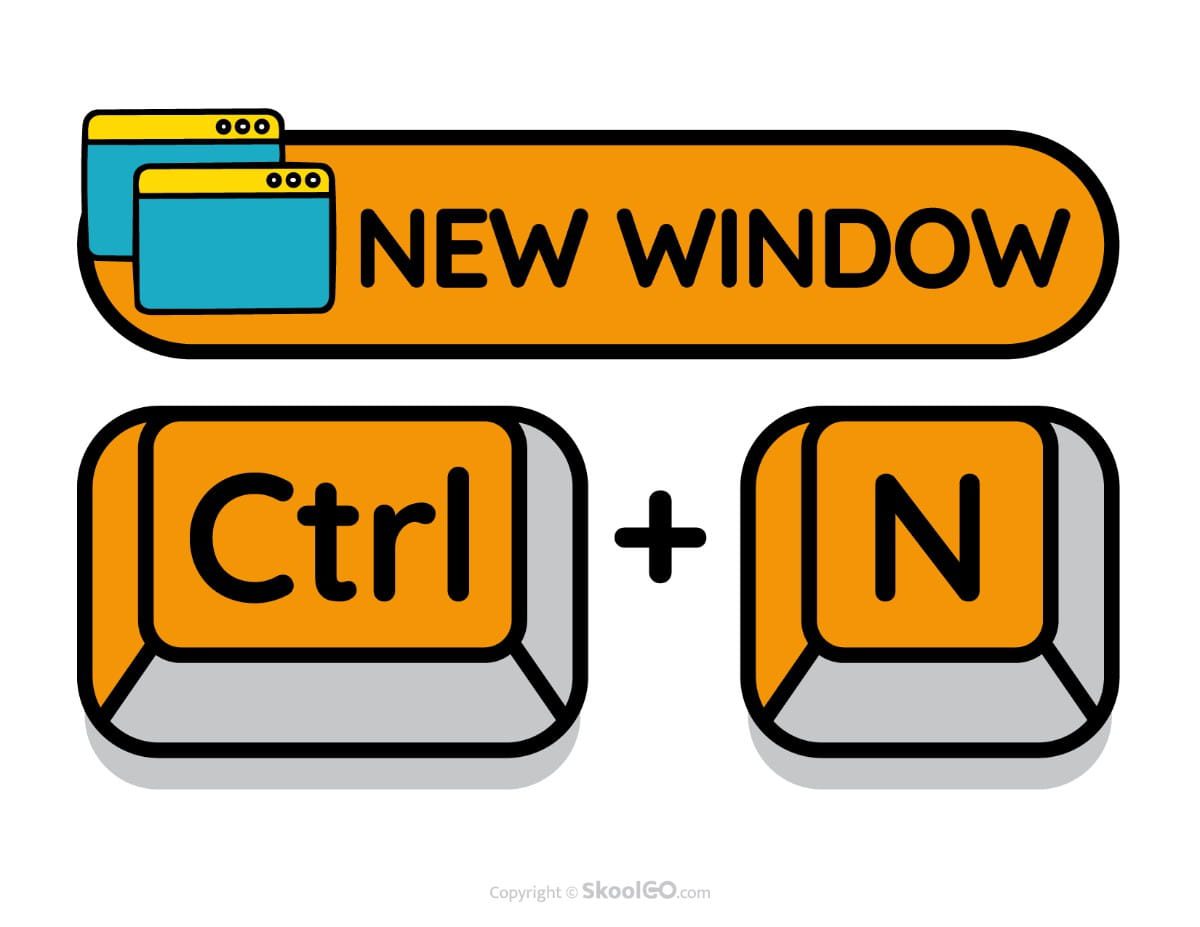
- New (Ctrl + N) – Open a new document or window.
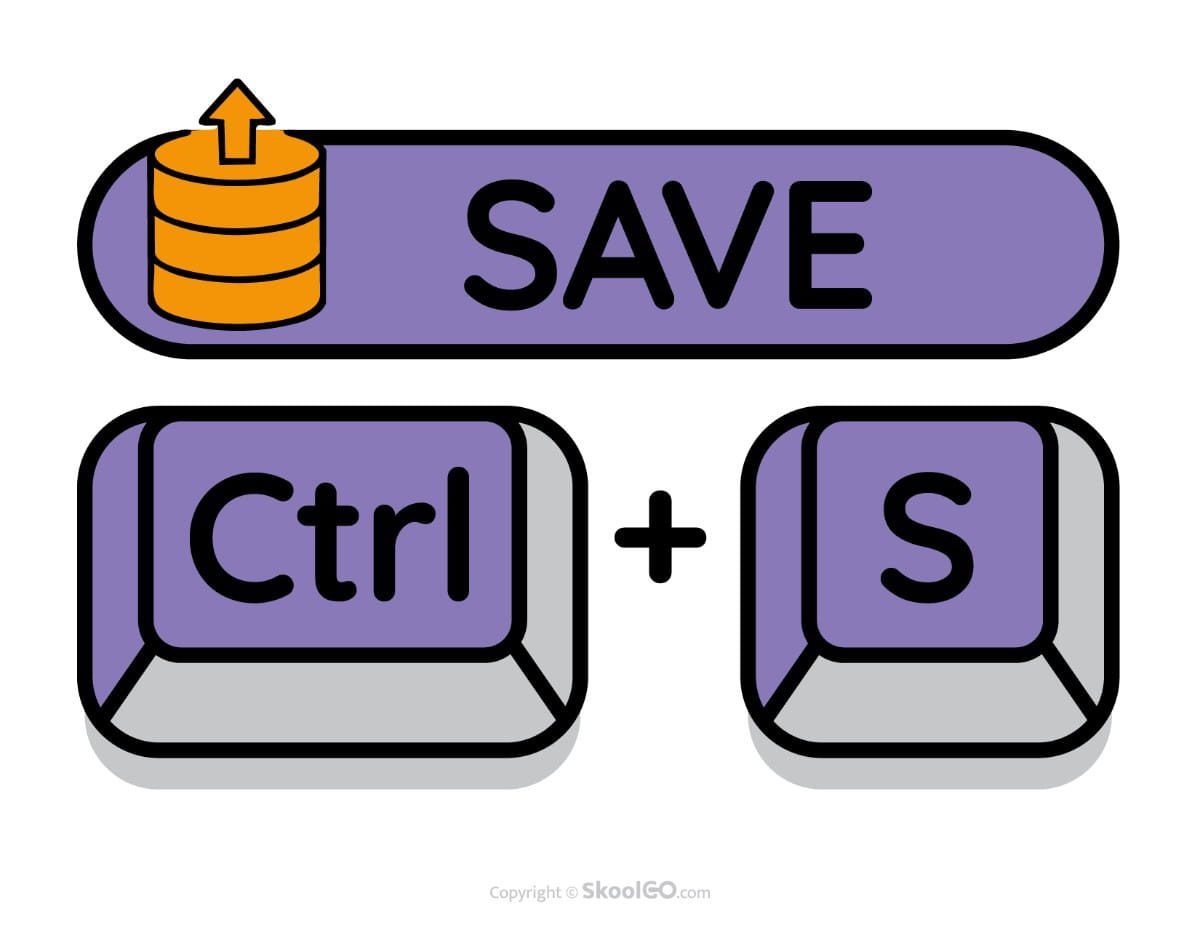
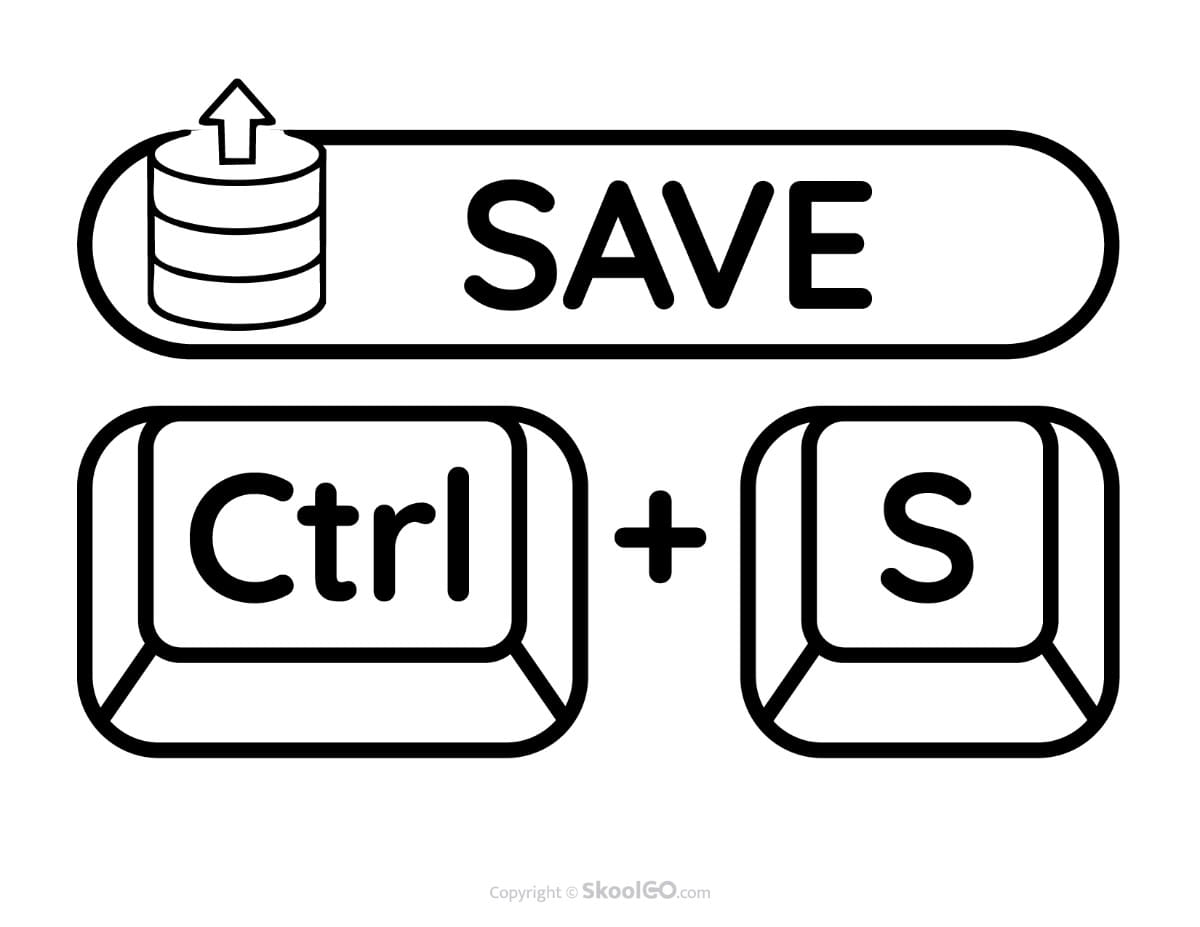
- Save (Ctrl + S) – Save work instantly.
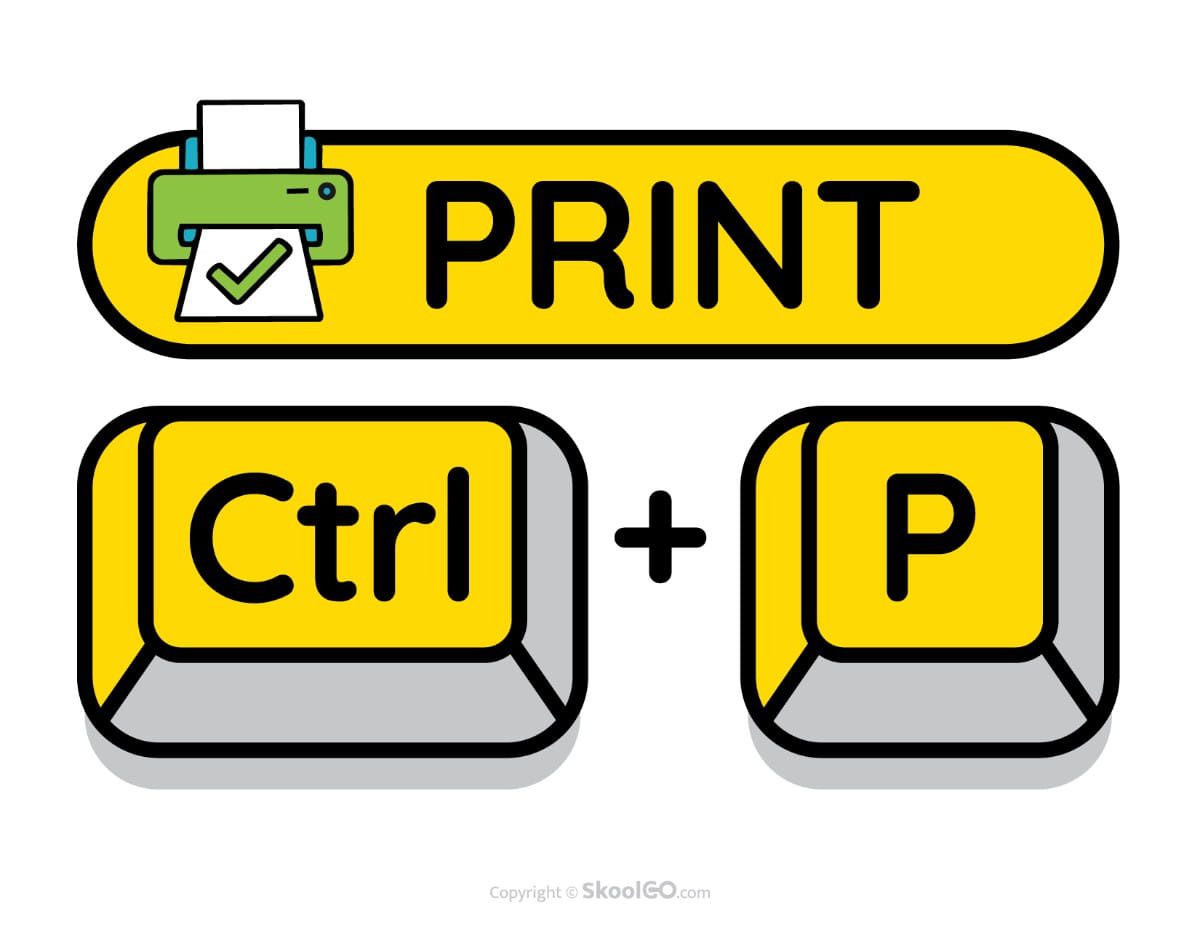
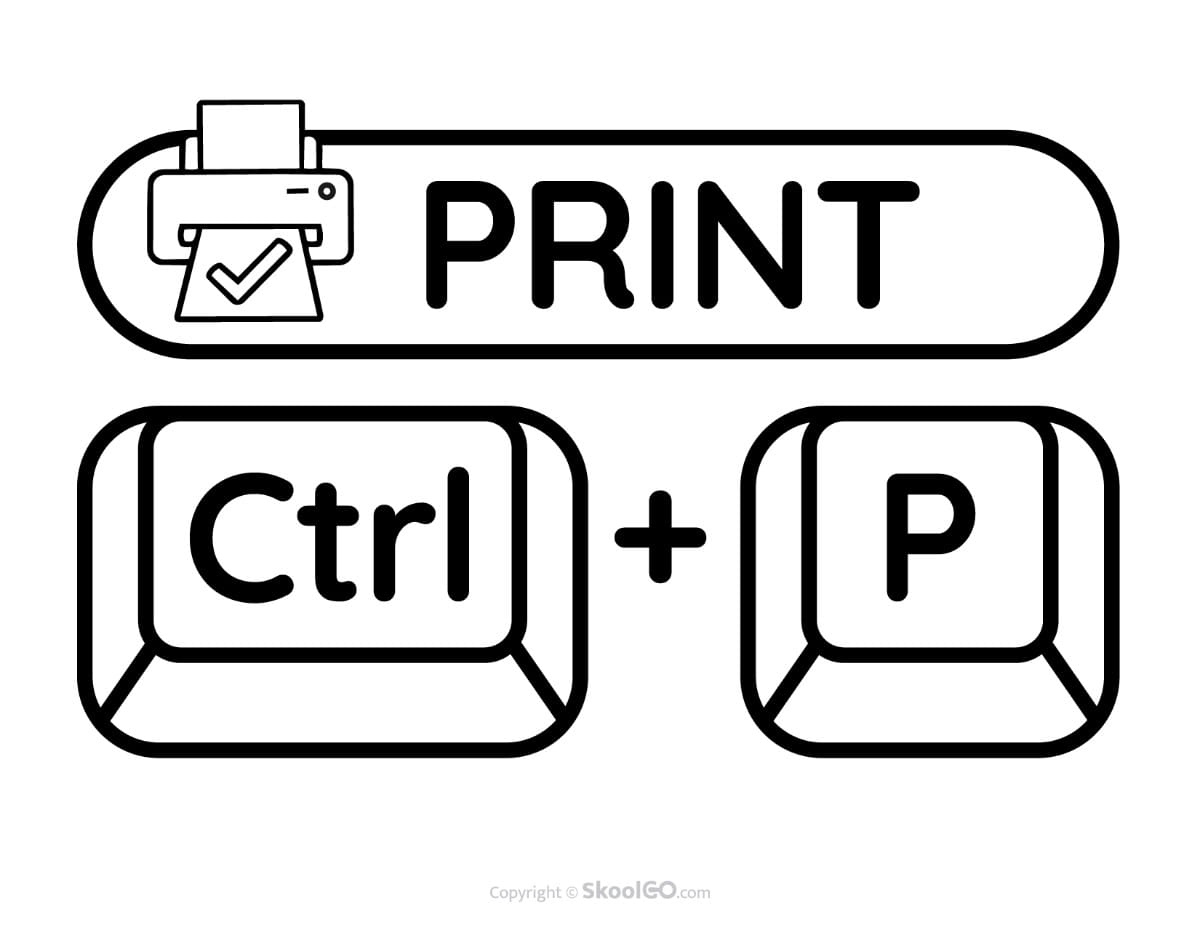
- Print (Ctrl + P) – Open the print menu quickly.
Whether you teach in a classroom, computer lab, or homeschool setting, the Keyboard Shortcuts Classroom Poster Set provides an engaging visual reference that students can use every day. Therefore, download this free printable PDF collection today and create a learning space that encourages confidence, independence, and strong digital skills.